

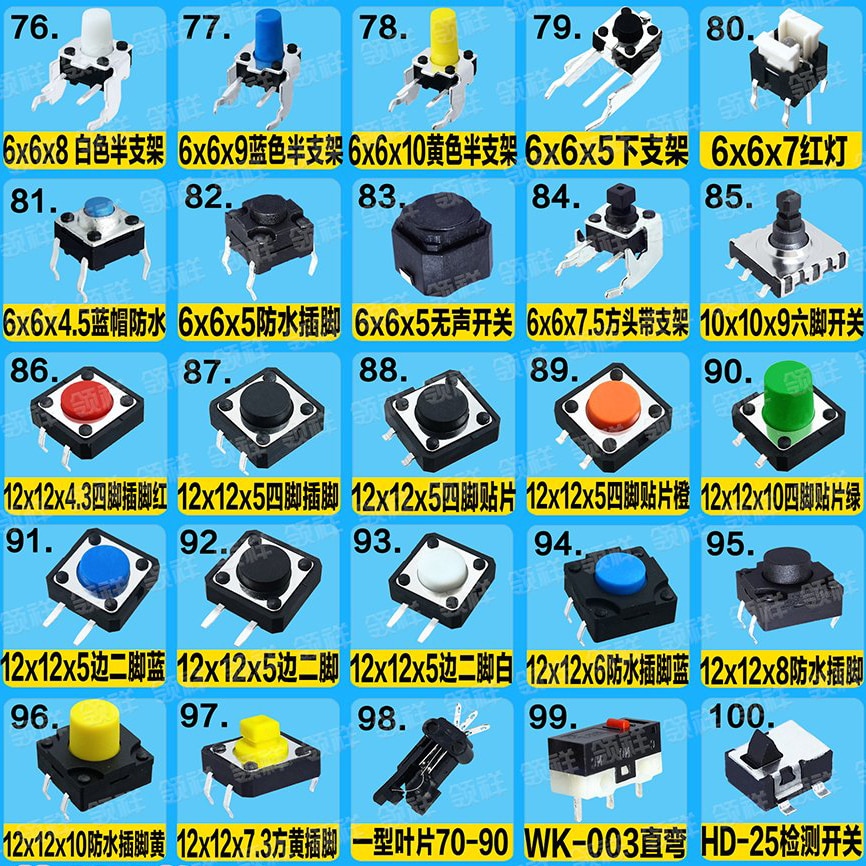
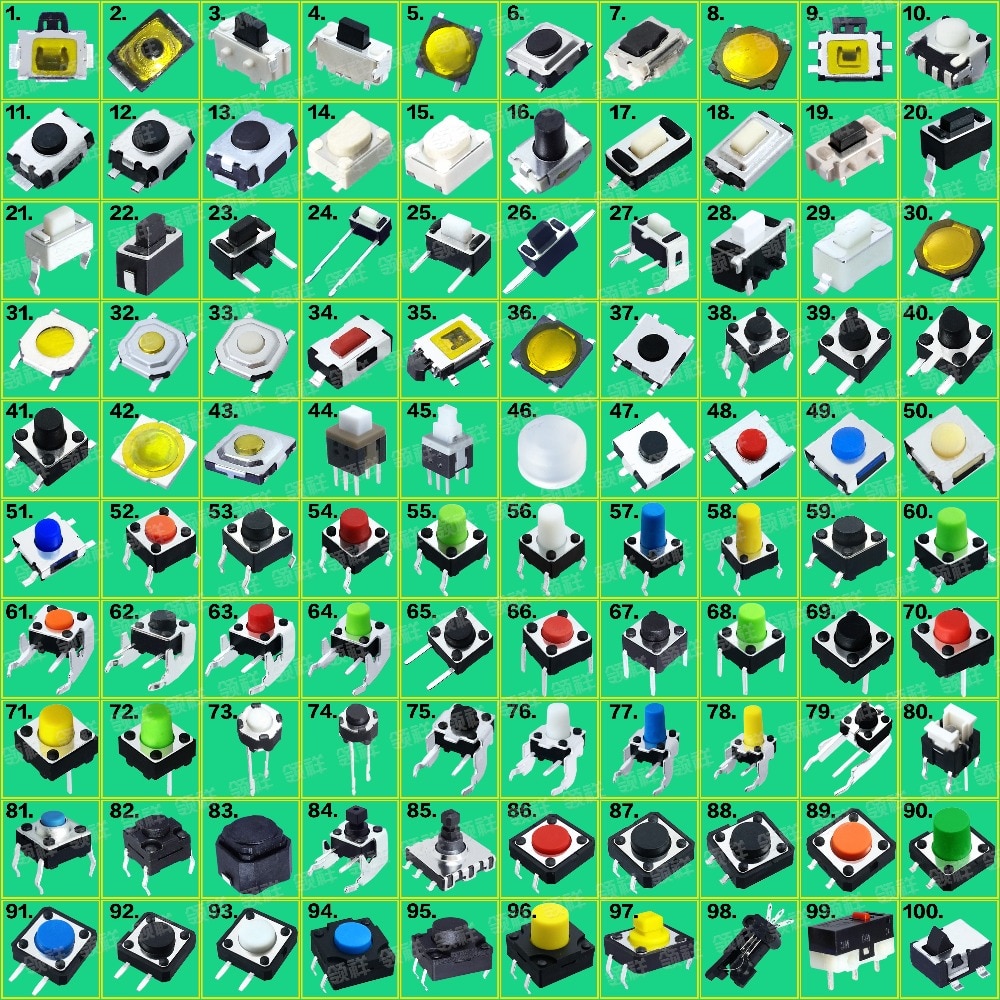
switch Push Button
Price range: 0.15 د.ك through 0.25 د.ك
The Push Button Switch Module is a simple and reliable input module designed for Arduino, Raspberry Pi, robotics, automation, and DIY electronics projects. Additionally, this module provides an easy way to detect user input, trigger events, and control embedded systems applications.
Description
The Push Button Switch Module is a widely used input component for Arduino projects, Raspberry Pi systems, robotics, embedded electronics, and automation applications. Because push buttons are essential for manual control and user interaction, this module allows developers to easily add button input functionality to electronic systems.
Additionally, the module provides stable digital input signals and simple interfacing with microcontrollers. Therefore, it is ideal for students, makers, engineers, and robotics developers building interactive electronics projects and smart control systems.
Moreover, the module integrates perfectly with the Arduino UNO R3 for digital input and button control applications.
What is a Push Button Switch Module?
A Push Button Switch Module is an electronic input module that detects button presses and sends digital signals to a microcontroller or embedded system. Moreover, it simplifies circuit connections by integrating the push button and interface circuitry into a compact board.
Because of its simple operation and reliable signal output, the module is commonly used in menu systems, robotics controls, smart automation, interactive devices, and educational electronics projects.
At the same time, the module can be used together with the Breadboard MB-102 for fast prototyping and electronics experiments.
Key Features
- Push button switch module
- Simple digital input interface
- Compact module design
- Reliable button operation
- Easy Arduino integration
- Suitable for Raspberry Pi projects
- Stable signal output
- Ideal for robotics systems
- Supports DIY electronics projects
- Beginner-friendly operation
- Fast response input control
- Durable push button structure
Technical Specifications
- Product Type: Push Button Module
- Output Type: Digital signal
- Operating Voltage: 3.3V–5V
- Interface Type: Digital input
- Compact PCB module design
- Easy microcontroller interfacing
- Suitable for embedded systems
- Application: User input and control systems
Applications
The Push Button Switch Module is suitable for many embedded and interactive electronics applications. Furthermore, its simple interface makes it ideal for beginners and educational projects.
Common applications include:
- Arduino button input projects
- Robotics control systems
- Menu navigation systems
- DIY electronics projects
- Smart automation controls
- Embedded systems interfaces
- Educational STEM projects
- User interaction systems
- Electronic gaming projects
- Alarm system controls
- Interactive learning systems
- IoT devices using the ESP8266 WiFi Wireless Module
Why Choose This Push Button Module?
This Push Button Switch Module provides a simple and effective way to add manual input controls to electronics systems. Additionally, the compact design simplifies integration into breadboard circuits and embedded projects.
Moreover, the module delivers reliable digital signals for stable microcontroller communication. Because of this, developers can quickly create responsive user interfaces and interactive automation systems.
Overall, this module is an excellent choice for students, makers, robotics developers, engineers, and embedded systems designers working with the Raspberry Pi Pico Development Board and digital electronics projects.
Compatibility
The Push Button Switch Module is compatible with:
- Arduino UNO
- Arduino Nano
- ESP32 boards
- ESP8266 modules
- Raspberry Pi
- Raspberry Pi Pico
- Embedded systems
- Robotics platforms
- Smart automation systems
- DIY electronics projects
Additionally, the module works perfectly with accessories such as the Jumper Wires Kit and solderless breadboards.
Tutorial Section
Getting started with the Push Button Switch Module is simple and beginner-friendly. First, connect the module to the power and digital input pins of your microcontroller. After that, upload code to detect button presses and trigger actions.
For example, you can use this module to:
- Control LEDs
- Navigate menus
- Trigger alarms
- Start robotics actions
- Control automation systems
- Build interactive electronics projects
Additionally, the module can be combined with the Relay Module 1 Channel for push-button-controlled switching systems.
Additional information
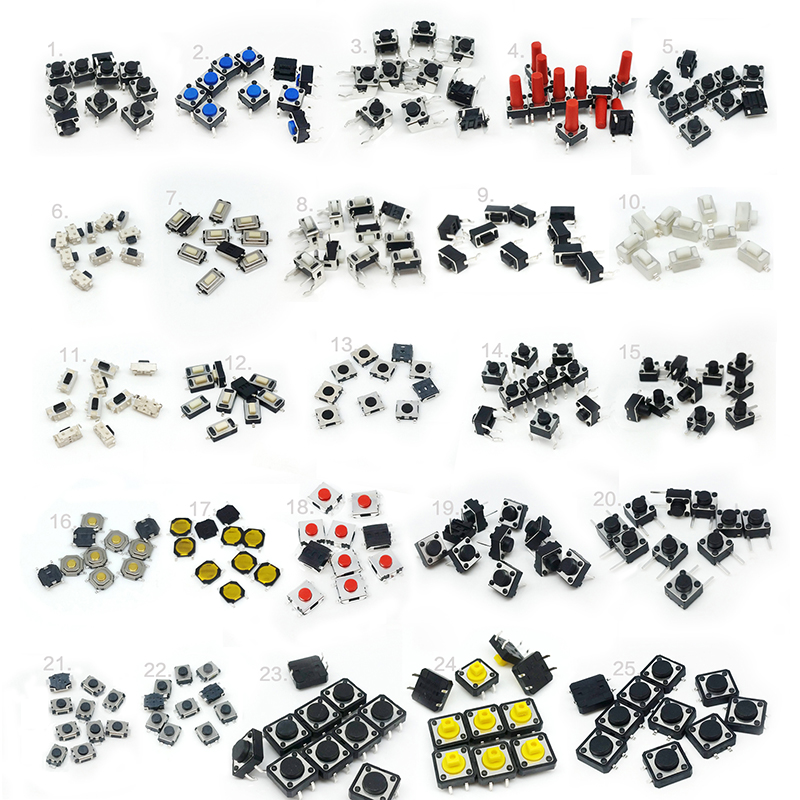
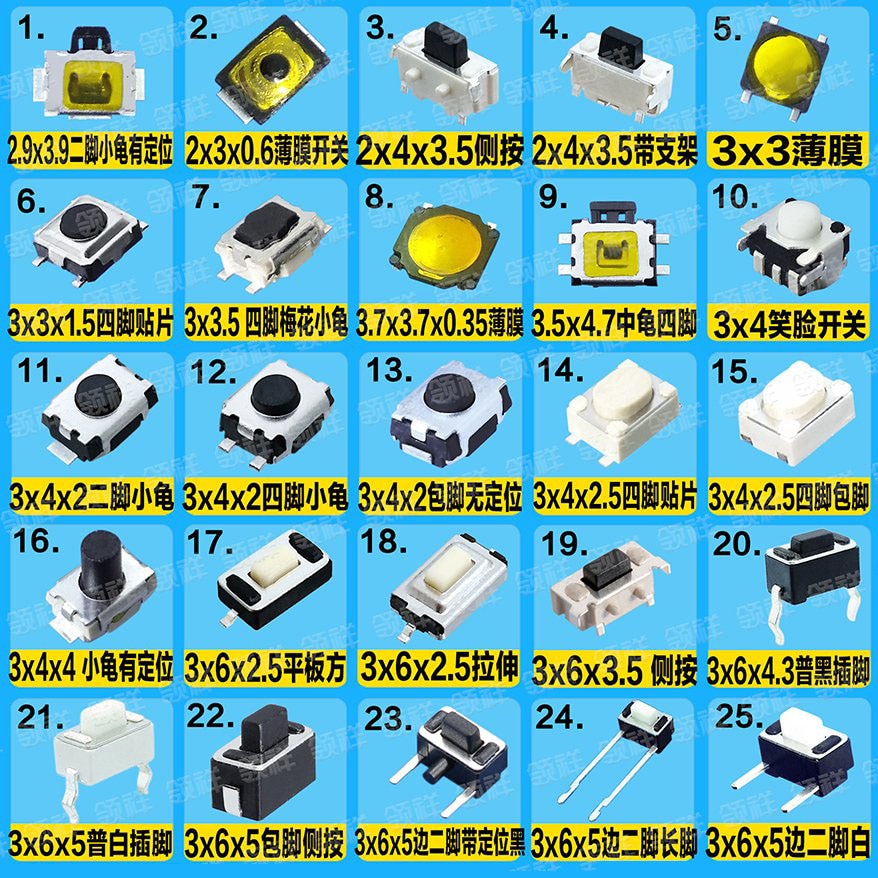
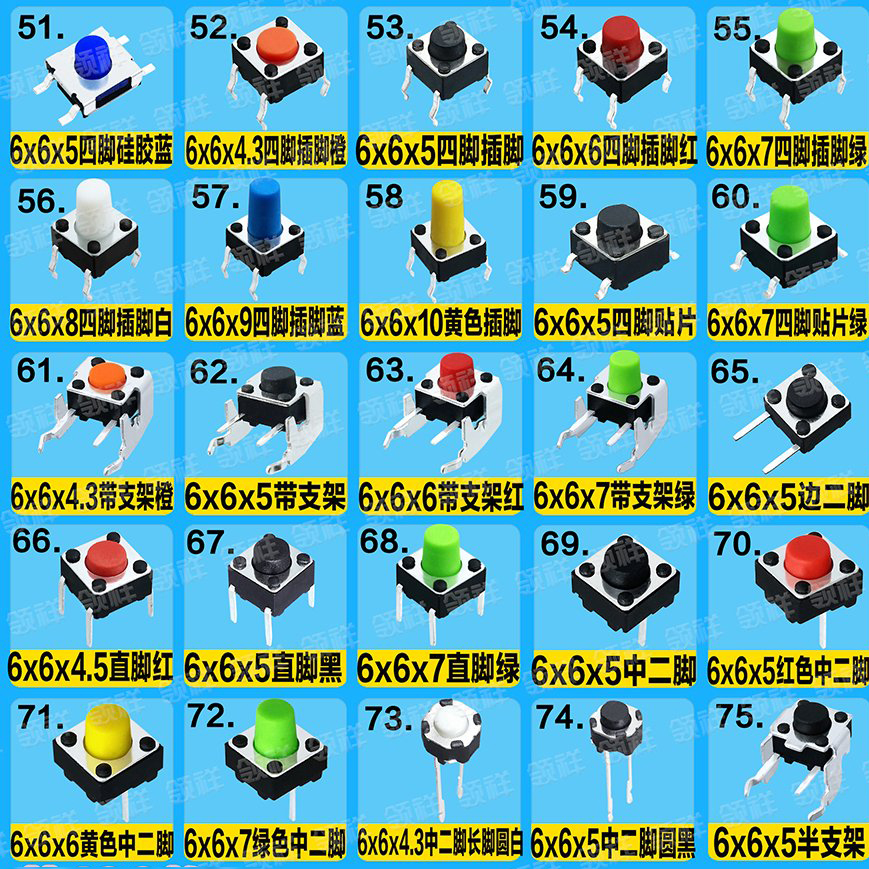
| Size | 11, 12, 17, 18, 19, 21, 27, 29, 3, 30, 32, 37, 38, 40, 48, 53, 58, 59, 62, 65, 69, 87, 88, 90, 97 |
|---|